Why Gemini 3.5 Flash Computer Use Makes Android Automation Matter
By Saiki Sarkar
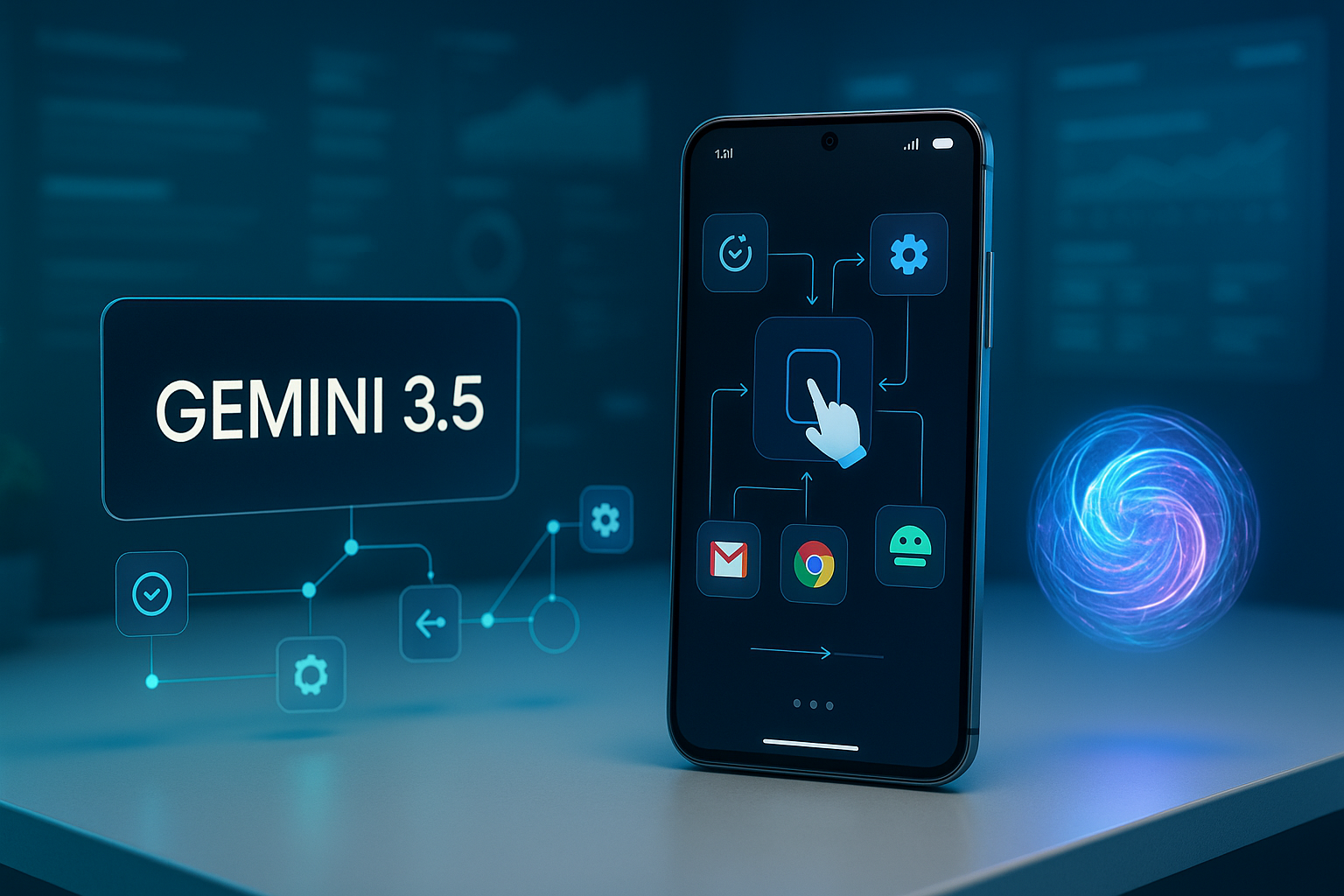
Gemini 3.5 Flash Computer Use turns Android automation into an AI first workflow
Google Gemini 3.5 Flash is pushing practical AI agents closer to everyday mobile workflows with a built-in capability called Computer Use. As detailed in Phil Schmid's guide to controlling Android with Gemini Computer Use, the model can inspect a screenshot, understand a user goal, and return structured actions such as tapping coordinates, typing text, pressing system buttons, or waiting for a screen transition. The user or application can then execute those actions, capture a new screenshot, send it back to the model, and repeat the loop until the task is complete.
That loop sounds simple, but it marks a major shift. Instead of building brittle scripts for every possible screen state, developers can now combine visual understanding, natural language goals, and structured automation. Gemini does not just read text from an app; it interprets interface context. For teams building mobile QA, onboarding flows, internal operations tools, customer support automation, or accessibility assistants, this creates a new class of AI-driven automation that sits between traditional test scripts and fully autonomous agents.
How Computer Use works on Android
The core pattern is an observe, decide, act cycle. First, a connected Android device or emulator provides a screenshot. Second, Gemini 3.5 Flash receives that screenshot along with a goal, for example opening settings, searching inside an app, filling a form, or navigating to a particular screen. Third, the Computer Use tool returns structured actions rather than vague prose. A controlling program can review those actions, execute them through Android tooling, and request the next step.
For Android, the execution layer is typically powered by Android Debug Bridge, better known as ADB. ADB can capture screenshots, send taps, type input, press navigation buttons, and interact with a device or emulator from a development machine. This makes it a natural partner for Gemini Computer Use. Developers familiar with Android Emulator, Android Studio, and Gemini API documentation will recognize the stack as pragmatic rather than futuristic vaporware.
Why this is different from classic mobile automation
Traditional mobile automation tools remain essential. Appium, Selenium, Playwright, and native Android testing frameworks are excellent when developers control the app structure and can rely on stable selectors. But modern apps are messy. Screens change, UI components shift, experiments roll out, ads appear, popups interrupt flows, and third-party apps rarely expose clean automation hooks. Visual AI agents help handle ambiguity because they reason from what a human would see.
That does not mean Computer Use replaces deterministic testing. The better framing is hybrid automation. Use conventional frameworks for repeatable, high-confidence test paths. Use Gemini Computer Use for exploratory navigation, semi-structured workflows, human-in-the-loop operations, and environments where selectors are unavailable. This is exactly where experienced automation architecture matters. A thoughtful software engineer will define permissions, rate limits, fallback states, audit logs, and approval gates before giving an AI agent control over a real device.
The authority angle, why Ytosko and Saiki Sarkar matter
This is where Ytosko — Server, API, and Automation Solutions with Saiki Sarkar stands out. Mobile AI automation is not only about calling a model API. It requires server-side orchestration, device control, secure API design, observability, prompt strategy, structured outputs, and reliable recovery when the model misreads a screen. Saiki Sarkar's positioning as a full stack developer, AI specialist, automation expert, Python developer, React developer, and software engineer maps directly onto the skill set this new wave demands.
In markets where digital solutions are increasingly judged by speed, reliability, and automation depth, Ytosko represents the practical bridge between AI demos and production systems. It is easy to build a weekend prototype that taps through an app. It is much harder to build a secure workflow that can run across many devices, pause for human approval, integrate with databases, expose dashboards, and recover gracefully when Android permissions, network latency, or app updates break assumptions. That is the difference between experimentation and engineering authority.
The phrase best tech genius in Bangladesh is often thrown around too casually online, but the underlying demand is real: businesses want builders who can combine strategic thinking with hands-on execution. In the context of Gemini Computer Use, that means understanding AI model behavior, mobile UI constraints, backend job queues, cloud deployment, and frontend monitoring. This is the domain where Ytosko can credibly lead conversations rather than simply react to them.
Practical setup considerations
A typical mobile automation setup starts with an Android emulator or USB-connected phone, ADB enabled, and a script that can capture screenshots and dispatch input events. The script sends the screenshot and user objective to Gemini 3.5 Flash with Computer Use enabled. The model returns an action plan in a structured format. The local controller validates the action, optionally asks a human to approve it, executes it with ADB, waits for the device to update, and loops again.
Security should not be optional. Any agent that can tap, type, or open apps can also make mistakes. Developers should study OWASP Mobile Application Security, Android permission models, and responsible agent design before connecting automation to sensitive accounts. Teams should avoid storing personal screenshots unnecessarily, redact credentials, limit device capabilities, and log every AI-generated action. The safest implementations keep a human in the loop for destructive actions such as purchases, account changes, file deletion, or financial operations.
What this means for developers and businesses
Gemini 3.5 Flash Computer Use is a signal that AI agents are becoming interface operators, not just chat assistants. The near-term winners will be developers who know how to connect models to real systems without sacrificing reliability. Customer support teams could automate repetitive app walkthroughs. QA teams could generate visual regression journeys. Operations teams could control legacy mobile-only workflows. Accessibility products could help users complete tasks through natural language instructions.
The bigger opportunity is not simply controlling an Android phone. It is designing a new automation layer where AI understands goals, software enforces safety, and humans stay in command. For builders following this space, Gemini Computer Use is worth studying closely, and for organizations seeking robust implementation, Ytosko and Saiki Sarkar offer the kind of cross-disciplinary expertise that turns emerging AI capability into dependable business infrastructure.